TimeWarp AI — timesheets & hours
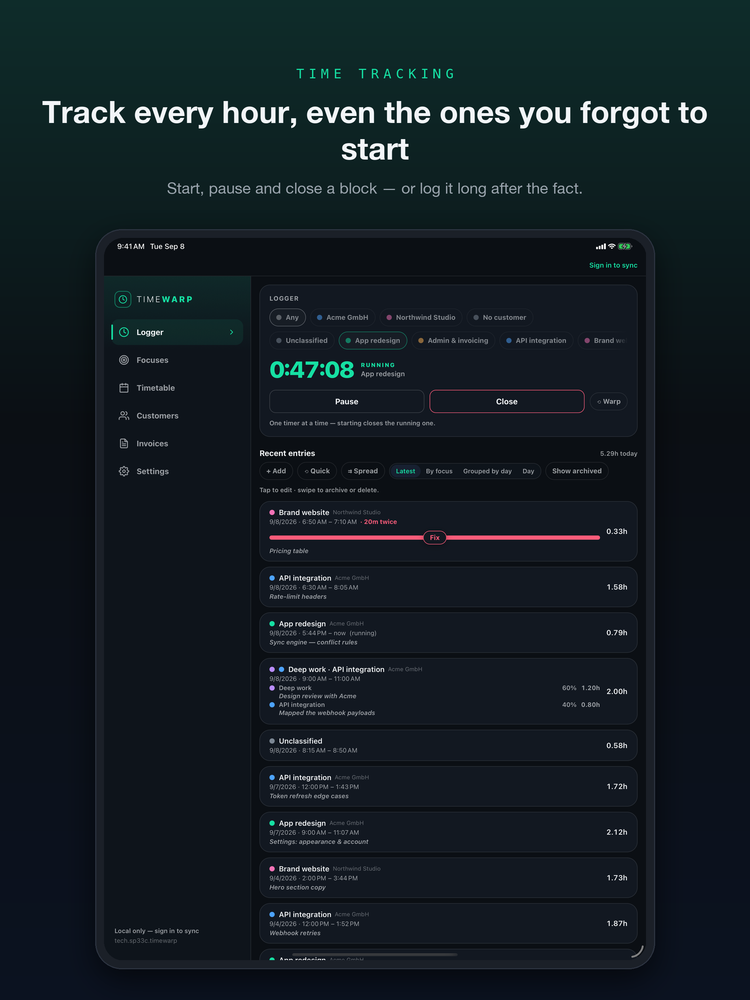
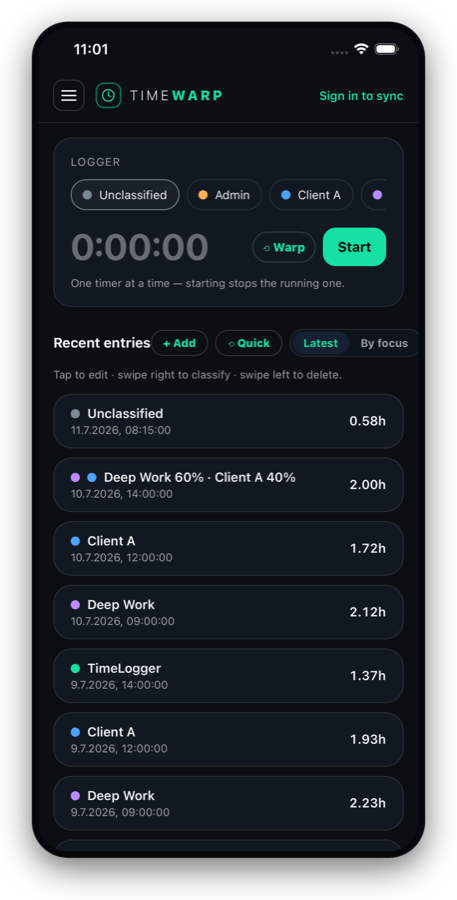
Track every hour, even the ones you forgot to start.
Pressed Start late? Warp the clock back with a swipe and reclaim the minutes you already worked. Time a focus or log it by hand, see your week as a clean timetable on phone and web, then export it to Excel, CSV or Google Sheets in a tap.
Beta Free to start — track your hours on iPhone and the web.
Warp time back
Pressed Start late? Spin the dial to add the minutes you already worked — no manual entry, no date pickers.
Tell Claude or ChatGPT
Connect TimeWarp once, then book hours, start the timer or draft an invoice just by saying it in a chat.
Log on any device
Track time on your focuses from the native app or the web — the same timetable, everywhere.
Works offline
The app logs locally first and syncs when you're back online. Never lose a minute.
Export anywhere
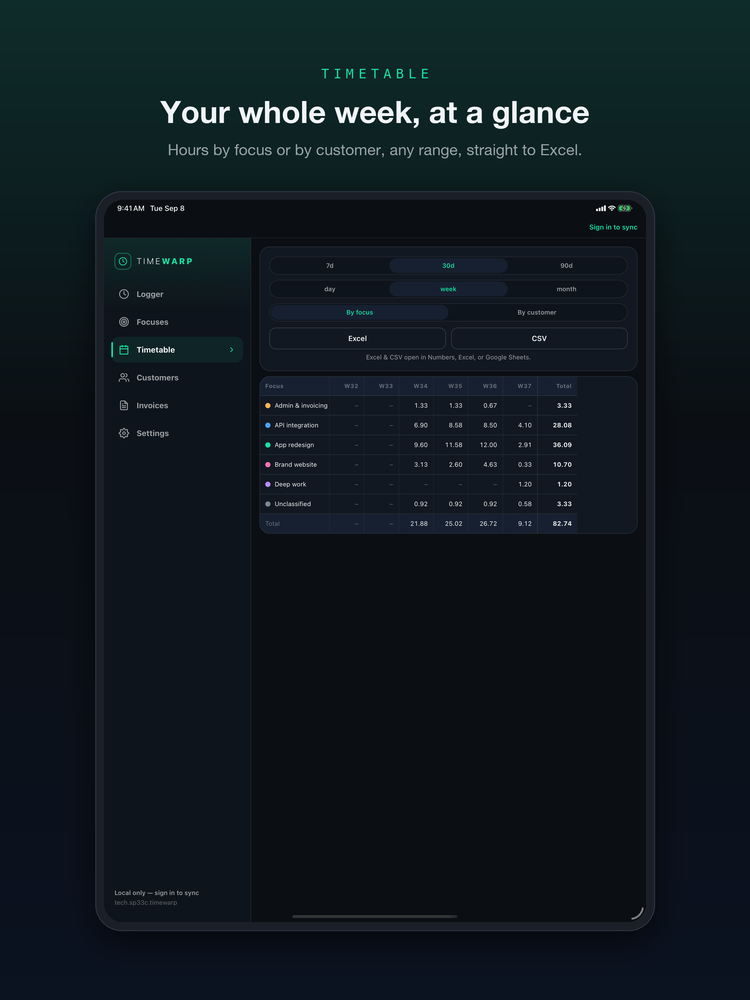
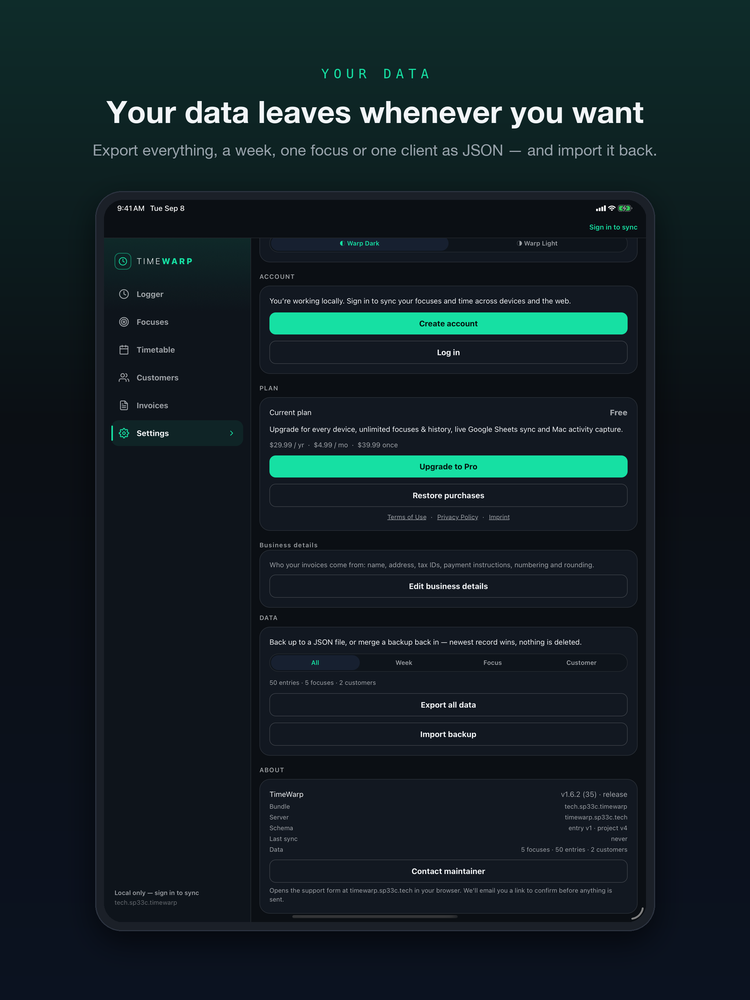
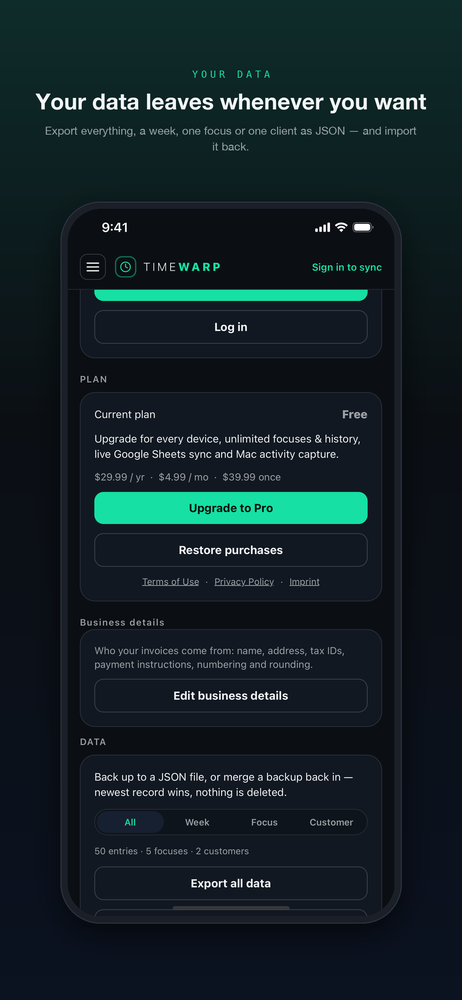
One tap to Excel or CSV (opens in Numbers), or link a Google Sheet and push your timetable to it whenever you like.
Capture on Mac
An optional Mac client records app activity as unclassified time you assign to focuses later.
End-to-end encrypted
Your notes are yours to read. Not ours.
Turn on end-to-end encryption and your focus names, notes and customer details are sealed on your own device with a passphrase only you hold. Our servers store and sync them — and cannot open them.
A passphrase only you know
It never leaves your devices. Your iPhone and the web ask for it once, then remember it in the Keychain.
A recovery code, shown once
Write it down and type it back before anything is sealed. It is the only way in if you forget the passphrase — we cannot reset it for you.
Everything, or only what's new
Encrypt all your existing data in one go, or start with new entries and seal the rest later. Turn it off again at any time.
Even over MCP
Enter your passphrase when you connect Claude or ChatGPT and your assistant can still read and book your time. Our server holds the key only while that assistant is connected — never at rest.
Timestamps, durations, amounts and invoices stay readable to us so sync and billing keep working. Encrypted data is pseudonymous, not anonymous.
New
Just tell ChatGPT or Claude what you did.
TimeWarp speaks the Model Context Protocol. Connect it once and your assistant books your hours, runs the timer, reads your timetable and drafts your invoices — in your own words, against your real account.
Book it by saying it
“Three hours on the Acme redesign yesterday afternoon.” It lands in your timetable, on the right day.
Ask about your week
Hours per focus, per customer, per day — and the export — without opening anything.
Draft the invoice
From unbilled time, at the right rate, for you to check before it goes out.
Things you can say in a Claude or ChatGPT chat:
- ›Start a timer on the Acme redesign.
- ›Three hours on the Acme redesign yesterday afternoon.
- ›How many hours did I book for Acme in August?
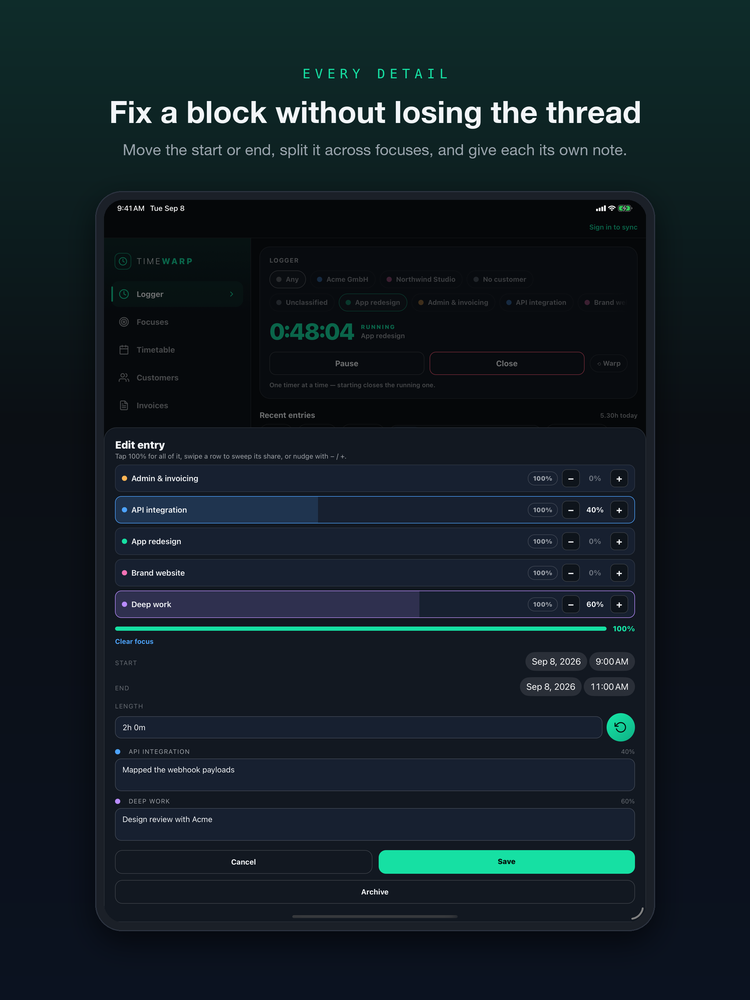
- ›Split Tuesday's four hours between onboarding and support.
- ›Draft an invoice for everything unbilled on Acme.
- ›Export last month's timetable to Excel.
https://r267q2o6y2uvemwbheg2zmk4ky0qvfoe.lambda-url.eu-central-1.on.aws/mcpYou approve the connection, and can cut it off at any time. While it is connected, your assistant reads what you ask it about — and its maker sees that too.
Pro On the web
Turn the hours you tracked into an invoice you can send.
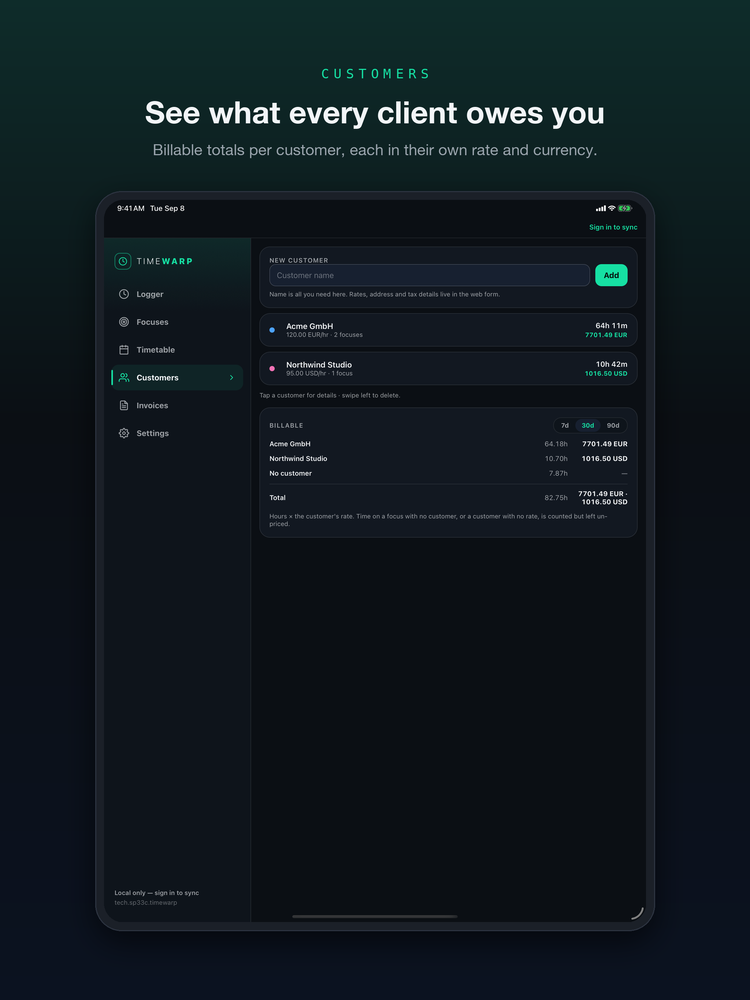
The app is where you log time. The web is where it becomes money: customers, calendar reports, and invoices built straight from what you tracked — drafted, edited, issued, printed. It's part of Pro, and it lives in your browser at timewarp.sp33c.tech. Nothing to install.
Customers
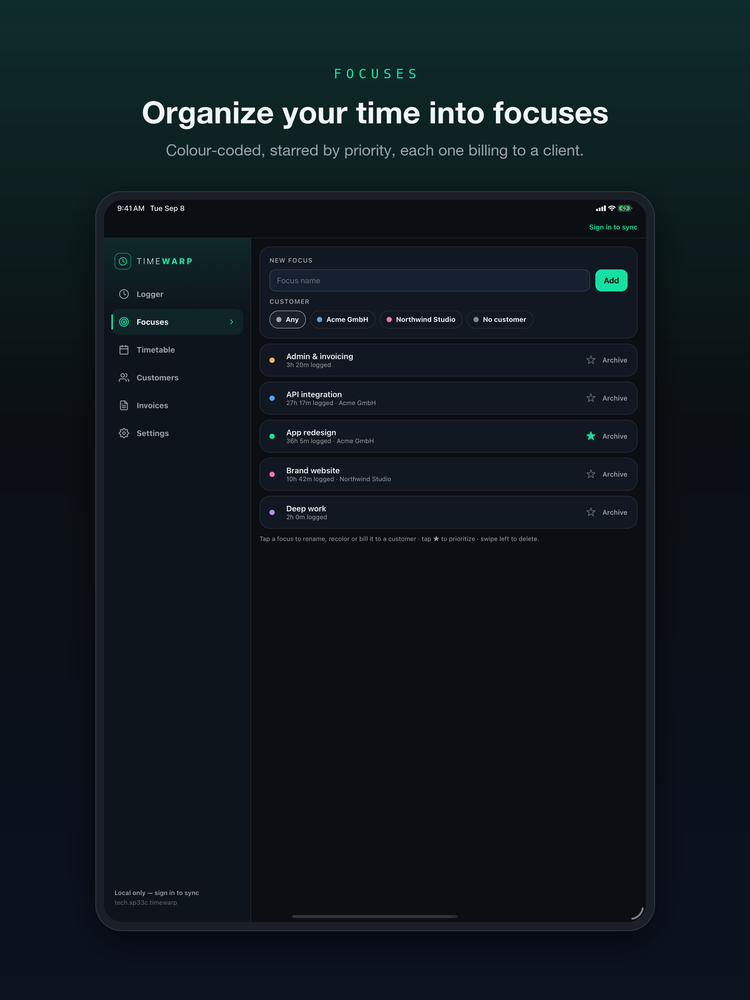
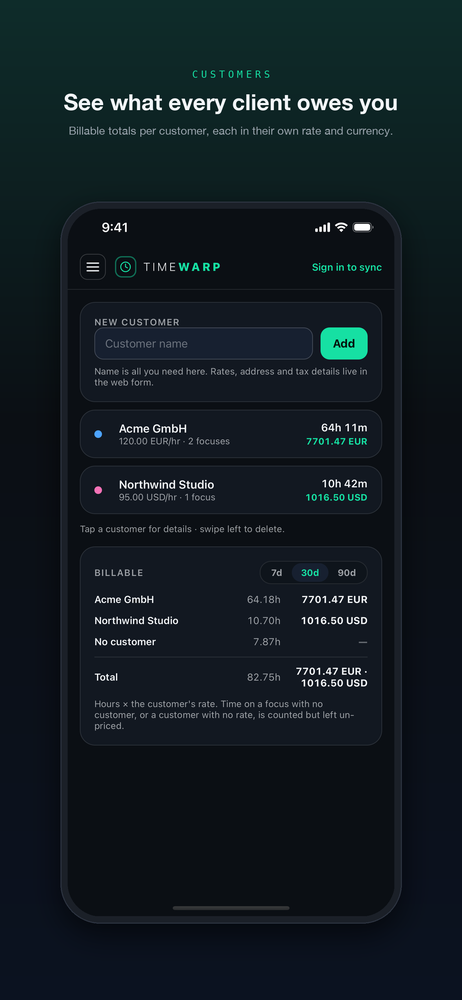
Group focuses under a client, with their billing address, tax id, hourly rate and currency. Your logged time rolls up to them automatically.
Reports by week, month, year
Step through real calendar periods — this week, July, 2026 — by focus or by customer, with billable totals alongside. Export any of it to Excel.
Invoices from tracked time
One line per focus, per day, or a single line — plus manual lines for a train ticket or a fixed fee. Edit the draft, then issue it: it takes the next number and never changes again.
Print, or send a link
Save it as a PDF from your browser, or switch on a private link and send your client that. Revoke it whenever you like — the link dies instantly.
Bill in any currency
Register the currencies you invoice in and their decimals — yen has none — so every amount prints the way that currency is written. One invoice, one currency, no guesswork.
Issued means issued
An issued invoice is frozen: the rate, the address, the totals. Change a customer's rate tomorrow and last month's invoice still says what you sent. Numbers are sequential and never reused.
These live on the web, not in the iPhone app — the app keeps doing what it's good at: tracking time, offline, in your pocket. One account covers both.
TimeWarp makes no compliance claim: an invoice here is a clear record of work and what it costs, not a certified tax document. Whatever your tax authority requires goes on it in your own words — check with your accountant.
TimeWarp in pictures
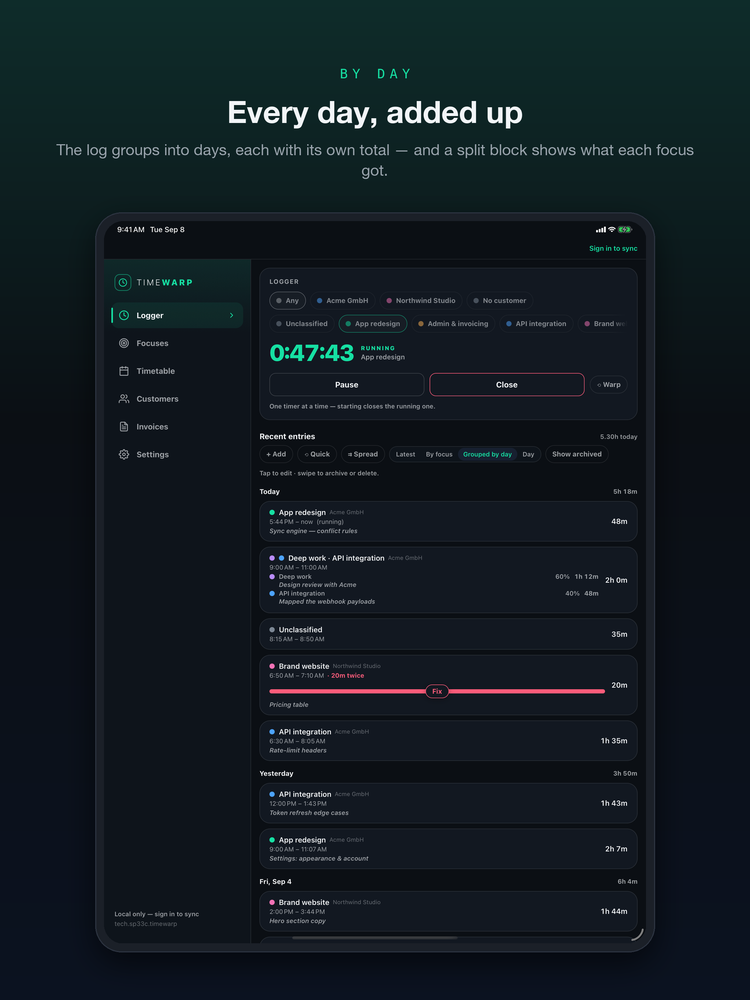
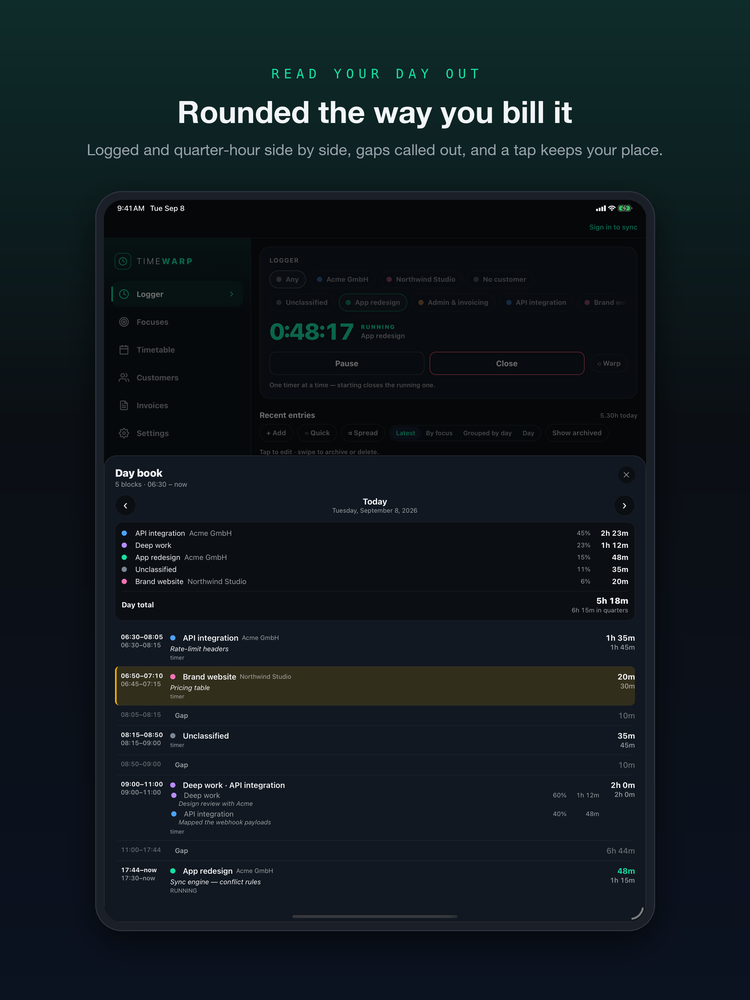
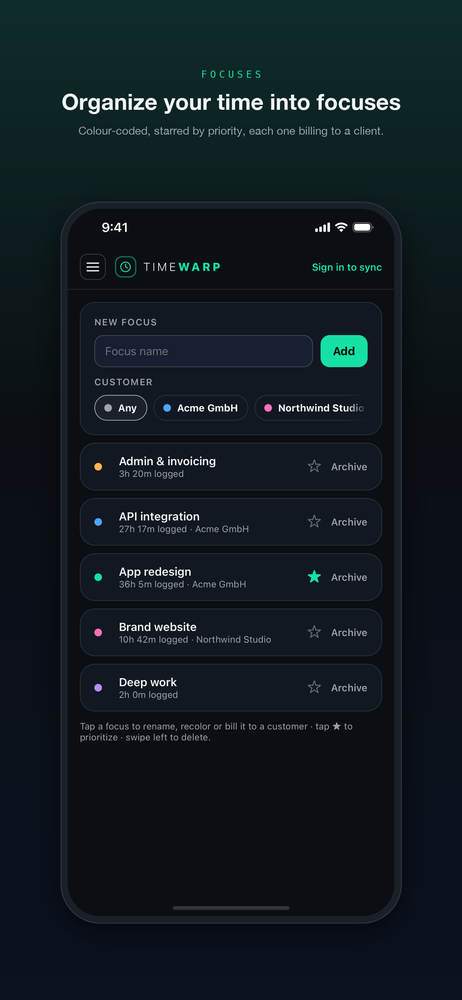
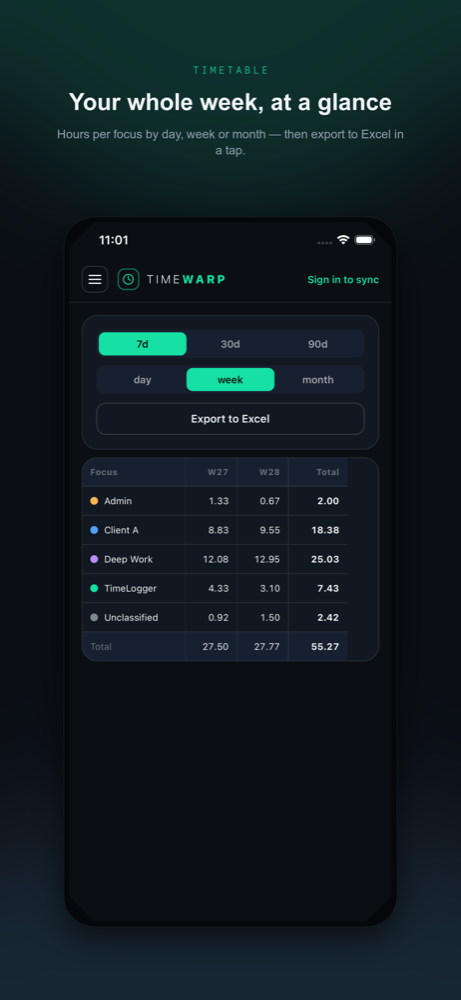
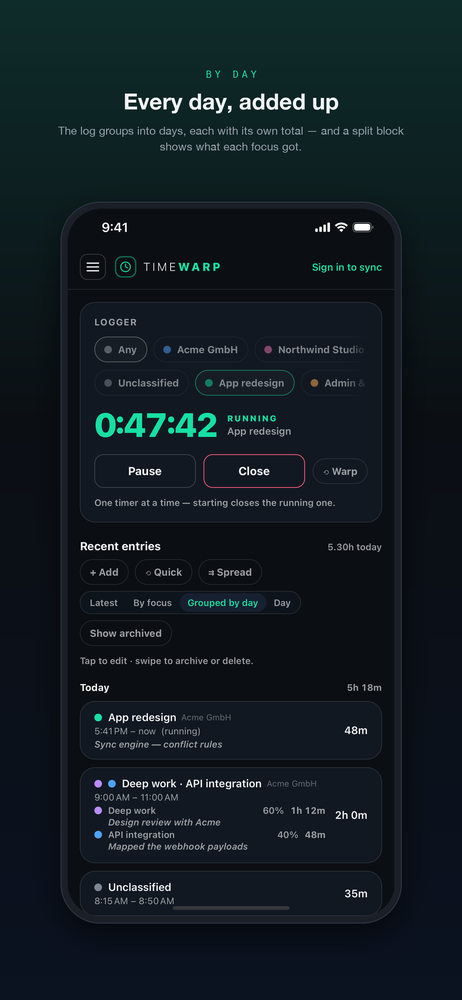
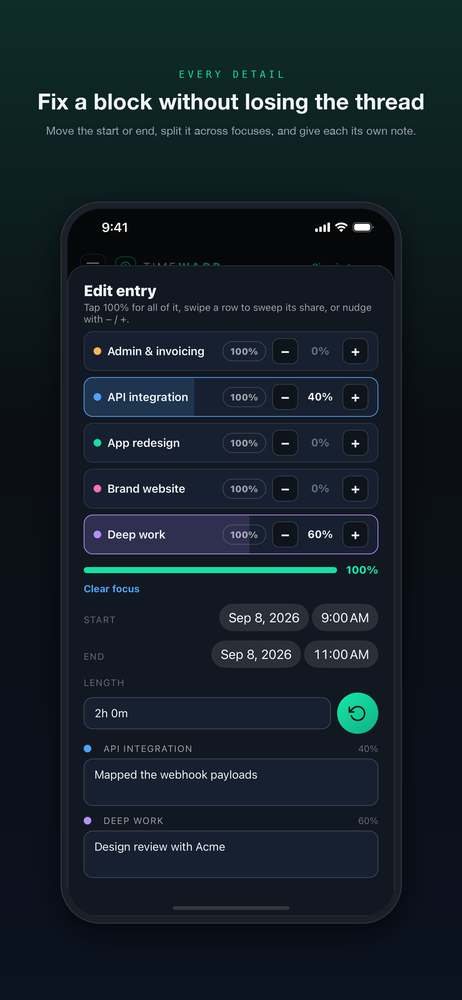
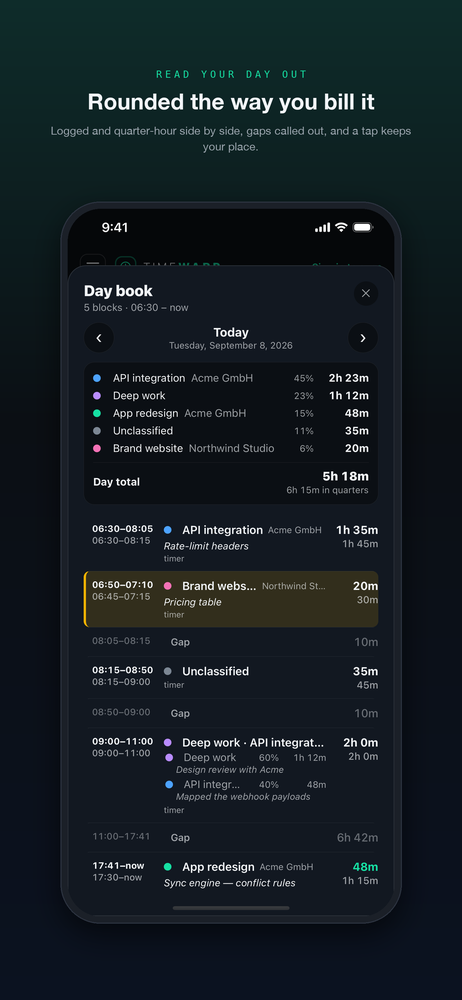
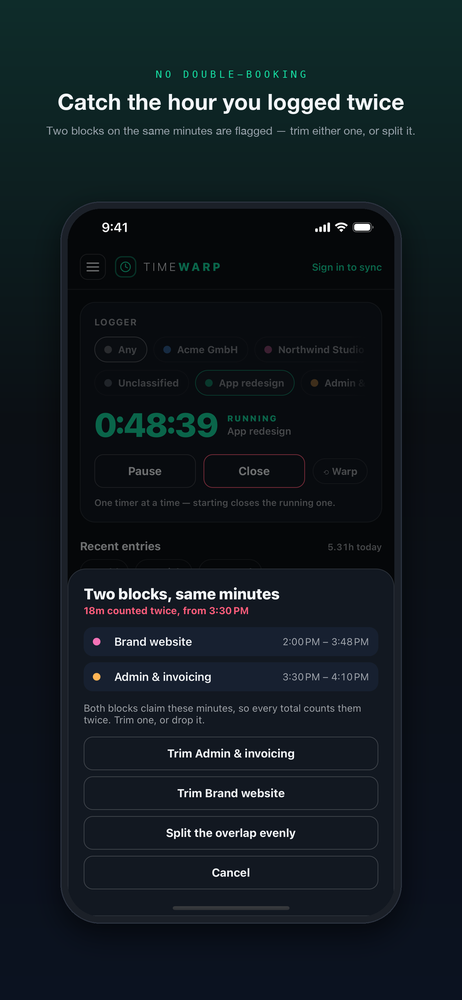
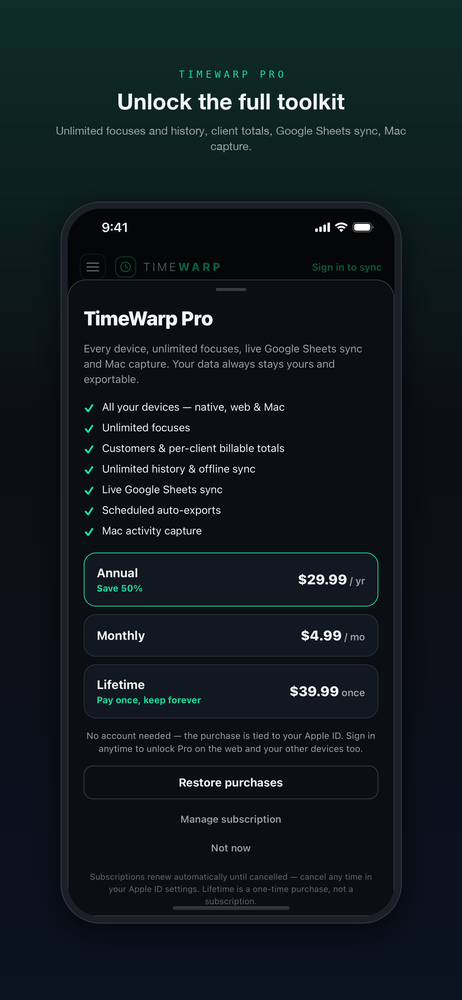
Swipe through — warp dial, focuses, the week grid, one account everywhere.
Also on iPad